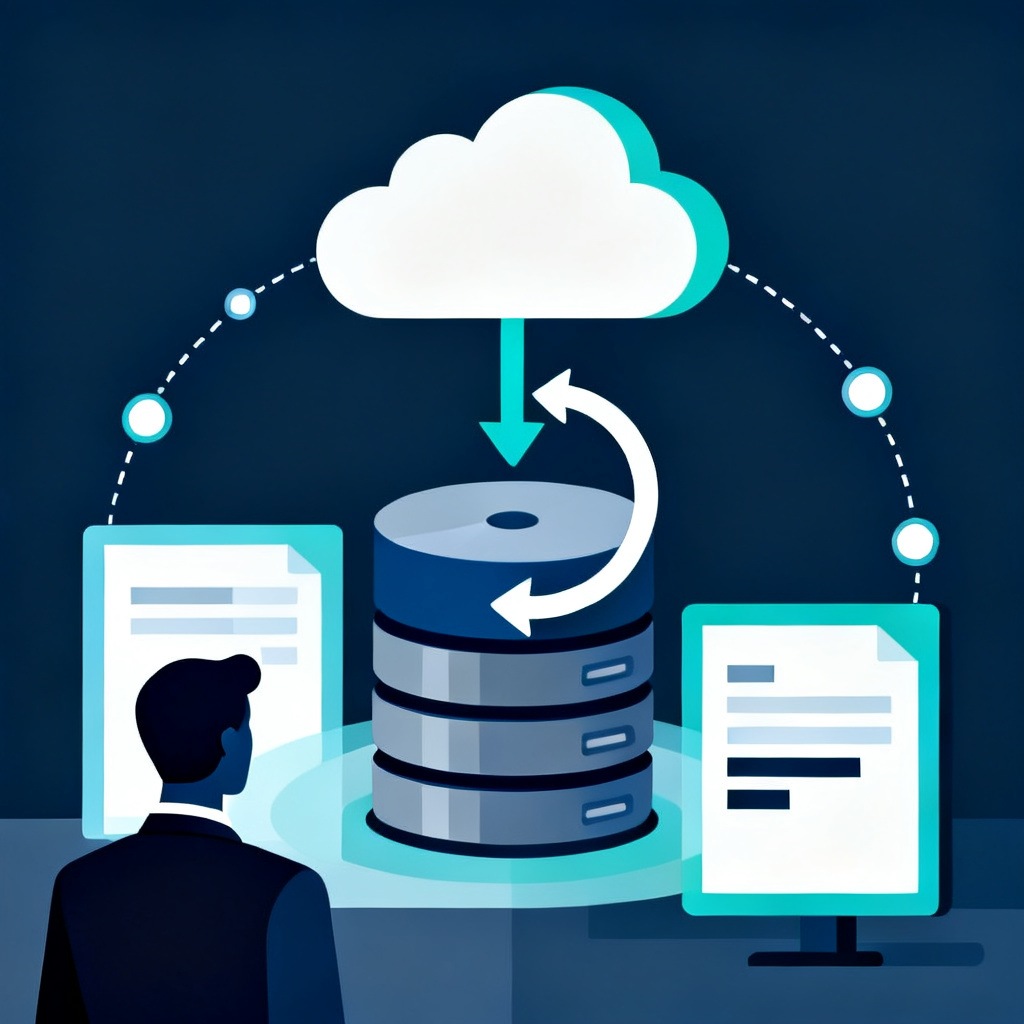
"I told it to fix checkout, and it did, but then login broke. I told it to fix login, and checkout broke again." Every round trip costs you another day of lost orders, until you stop touching the product altogether — it works, but nobody dares to change it. It's not that your instructions were bad; this product is missing a list of "what to recheck after a change." Here are the following four things, from why this happens to how to fix it.
Fix A, break B: you're not the only one
This pattern follows a predictable shape — you can check which stage you're at:
- Stage one: The product moves smoothly. Features come out one after another, and every change is fast.
- Stage two: "Fix A, break B" starts happening. You assume it's just bad luck.
- Stage three: After every change, you have to manually click through every feature yourself, and it takes longer each time.
- Stage four: You stop changing it altogether. The product still works, but nobody dares to touch it.
This isn't unique to AI — any codebase without tests ends up here eventually. AI just gets you there faster, because it produces code far quicker than anyone can check it. "Demo-ready" isn't the same as "launch-ready" covered five things that are commonly missing; this article focuses on the one that makes people most afraid to keep changing things.
Why this happens: there's no list of what to recheck after a change
Picture a restaurant changing a dish. The kitchen has to check: does the new recipe work with the existing ingredients, does the serving order change, does it still fit in the delivery packaging. That's a list of "things to confirm after a change." Code works the same way, except the connections are much harder to see:
- Checkout and login look unrelated, but they may share the same piece of code that confirms who the user is.
- When the AI fixes checkout, it touches that shared piece, login breaks, and it has no idea that happened.
- Nobody ever told it: after changing this, also confirm that login still works.
- Which parts were connected in the first place only existed in a handful of past conversations, and once the conversation closes, that knowledge is gone.
Tests are that list — a machine just runs it for you
"Automated testing" sounds technical, but it's really just that list written as code — each item is "do this, and this should happen":
| Do this | What should happen | What happens if it's not tested |
|---|
| Log in with the correct username and password | You land on the homepage | A permissions change breaks login for everyone, and nobody notices |
| Check out a cart with two items | The total equals the sum of both items | A broken discount charges too little or too much and nobody knows |
| Payment fails partway through | The order isn't created, and nothing ships | Items ship out even though no payment was received |
| Upload an image over the size limit | You see an error message | The whole page crashes, and users think the site is broken |
| Click "forgot password" | You receive a reset email | The email never goes out, and every case turns into a support call |
After every change, the machine runs through the entire list, and flags anything that's off immediately. Whatever's broken gets caught before launch — not reported to you by a customer.
Start with the path that costs you money
You don't need tests for every feature at once — that's too expensive, and you'll never finish. Start with one question: which path, if it breaks, costs me money directly? Then fill it in, in this order:
- The core flows that cost money: sign-up to payment, order to shipment, login to viewing reports — walk through each one from start to finish.
- Places that have broken before: something that's broken once tends to break again, so cover it first.
- Anywhere you connect to an external service: payment processors and SMS are the most likely to suddenly break because the other side changed something.
- Leave the rest for later: if a non-urgent feature breaks, it's ugly at worst — it won't cost you a sale today.
You can tell an AI tool to "write tests for this feature," and it will do it fast. But someone still needs to judge whether what it's testing actually matters.
When there's nobody to fill in the tests for you
The hardest part of adding tests isn't writing them — it's judgment:
- Which path matters most: this takes understanding your business, not just understanding code.
- Whether the tests actually hit the right spot: everything can look green while testing things that don't matter.
- Who's at fault when a test fails: whether the test itself is wrong or the code really broke — get this wrong and you'll start ignoring warnings out of habit.
- When to stop: tests need maintenance too — add enough to be useful, not as many as possible.
Without someone doing this, the product stays stuck getting more fragile with every change, until the one it breaks happens to be the path that costs you money. That's also the core point of the gap between vibe coding and real system architecture: AI can generate features, but it can't generate accountability. Before your tests are in place, at least make sure someone finds out first when your site goes down — that's a cheaper first line of insurance than testing.
How Nerdtechnic fences off that path
- We fence off the money-losing paths first: after taking over, we add tests to the core flows before we talk about new development.
- The same team stays with it end to end: whoever writes the tests is also who maintains it afterward — they don't write them and disappear.
- Someone's on the hook for errors: when you report a bug, you get an assessment back within 2 business days.
- The records stay with you: the tests and documentation are yours, so anyone taking over can understand them.
Tests aren't homework for engineers to turn in — they're the insurance that lets you keep moving forward with confidence.
When AI breaks something, someone needs to remember on its behalf what can't be broken. Nerdtechnic takes over your AI product as your Helper CTO, fencing off the money-losing paths before we move on to new development. The first step is a 60-minute system health check: we just need visibility into the code, no production credentials required, and you'll get a one-page report you can understand within 3–5 business days. If your product has already reached the "it works but nobody dares to touch it" stage, let us find out exactly where it can't be touched: Helper CTO: System Maintenance Plan.

 AI Research