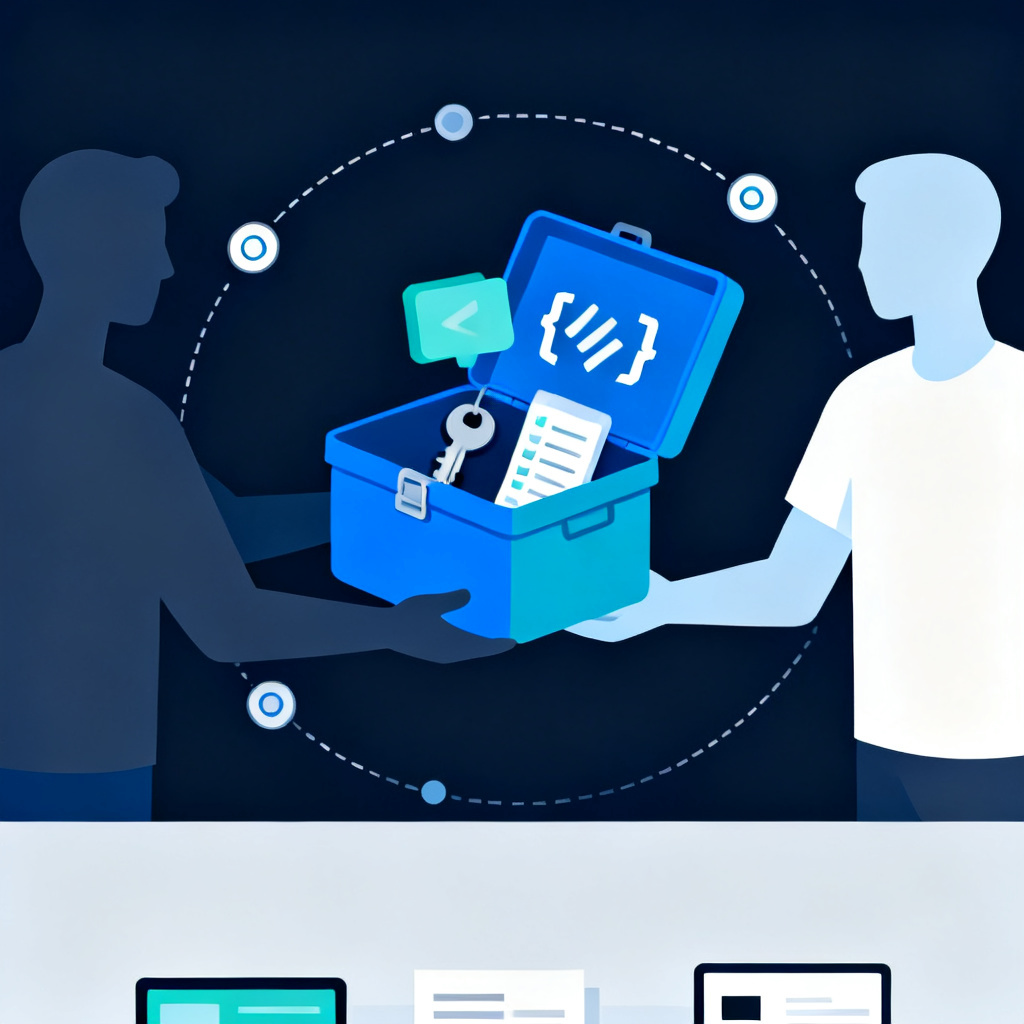
"I built it with Cursor, all the code is on my computer — if I want to hand it to an engineer, what do I need to prepare?" This is the first question owners who built a product with AI tools ask when looking for someone to take over. Hand it off unprepared, and the person taking over spends half their time "hunting for things" instead of "reviewing things" — and you're paying for that time. It's not that you're bad at handoffs because you don't know tech — nobody ever told you what to inventory. Here are the four things to prepare before you hand it off.
Before Handing It Off, Take Stock of What You Actually Have
Building with Cursor, Claude Code, or Lovable goes smoothly, and you barely notice how much accumulates along the way:
- The code sits in some folder, the database lives on some cloud service.
- Email goes through some third party, the domain is registered on some platform.
- Payments or login are connected to some provider, and back then you just clicked "authorize" and moved on.
- Every one of these was set up by AI, you clicked agree, and then forgot about it.
The first step isn't sending off the code — it's taking stock yourself first. Many people only discover, once they've done this, that some things aren't even under their own name.
Four Things — Map Them to a Table First
These four things are what needs inventorying, and you can do every one of them yourself:
| What to hand off | What you do yourself first | What happens if you don't prepare |
|---|
| Source code | Put it into a repository under the company's name | The person taking over can only look at your computer |
| How to run it | Write down how to run it, in your own words | Day one gets stuck on just getting it running |
| External services | List the services, accounts, fees, and API keys | A card expires and a feature quietly stops working |
| Feature list | Mark what's in use, uncertain, or unused | Nobody-uses-it features still have to be maintained forever |
Only the last one absolutely has to be you — an engineer can help fill in the first three, but you pay for the time it takes them to do it.
The First Two: Where's the Code, How Does It Run
The code is the product itself — first confirm it's somewhere "you can show to someone else":
- Online tools like Lovable: look for an "export" or "connect repository" option.
- Cursor or Claude Code: push the folder to a repository, opened under the company's account.
- Code that lives only on your own computer counts as an asset the company doesn't actually have on record.
- Confirm you're the owner, then you only need to give the engineer "read" access after that.
Next, write down how it runs — it doesn't need to be a technical document:
- How do I normally start it? What command do I run, what URL do I open?
- What needs to be running first before it starts? A database, or some service?
- Is there a file anywhere with a password or API key in it? Where?
- Is there a test account an engineer can log straight in with to see it?
It's fine if it's not written professionally. If you genuinely can't explain it — because you always just ask AI to run it — hand over that conversation too.
The Last Two: External Services and the Feature List
An AI-built product almost always uses external services, and every one has an account, a fee, and an API key. This is the table people most often skip, and where things break the fastest:
- An engineer changes the code but doesn't know which service to go change the settings on.
- A service's credit card expires, the product stops working, and no one knows why.
- While you're taking inventory, move all the accounts over to the company's email.
- API keys scattered inside code files are the most common thing that leaks in a handoff.
The fourth item only you can do. AI's nature is "you say one sentence, it does three things" — whoever takes over can't tell which parts you actually wanted and which were added along the way, so they end up having to treat everything as something that needs maintaining. Open the product and click through page by page, sorting things into in-use, unsure, and unused. The article from prototype to real product covers this: clearing out things no one uses relies on exactly this kind of list.
Who to Show It To: Only Read Access to the Code Is Needed
With the four things prepared, next is who to hand it to. First, something a lot of people worry about:
- A health check only needs read-only access: view access to the repository is enough.
- Production server, database, and admin panel credentials are not needed.
- Looking at the code alone is enough to judge the structure, spot security issues, and estimate the cleanup effort.
- The data in production is yours — there's no reason to touch it during an evaluation.
- Access is handed over step by step once you decide to work together — one item at a time, all logged.
The order is: let us look first, get the report, then you decide whether to work with us. The article the gap between vibe coding and real system architecture covers the gap between a prototype and a real system — the health check measures exactly that gap using your own product; several of the five items in demo-ready isn't launch-ready trace back to these two tables.
Four Promises We Make When Nerdtechnic Takes Over an AI Project
- The health check only looks at the code — no production credentials required.
- Within 3–5 business days you get a one-page report, stating clearly which of the three conclusions it is.
- Whatever wasn't inventoried, we help fill in, and what we filled in gets written into the report.
- Takeover, maintenance, improvement, and ongoing development — the same team handles all four from start to finish.
Whether a handoff goes smoothly isn't decided by how well the code is written — it's decided by whether things can be found.
For a product built with AI, preparing these four things before handing it off means the person taking over can spend their time understanding it instead of hunting for things. Nerdtechnic takes over and maintains projects like this as your Helper CTO — like an in-house tech lead, just not on your payroll. The first step is a 60-minute system health check: we just need to see the code, no production credentials required, and within 3–5 business days you'll get a one-page report you can actually understand. If the package you're holding hasn't been fully inventoried yet, that's fine too — we can go through it with you the first time: Helper CTO: System Maintenance Plan.

 AI Research