
You need an AI UX Designer: Interfaces and workflows designed for interaction
Integrating AI doesn't end with just having models, data, and a prompt input box.
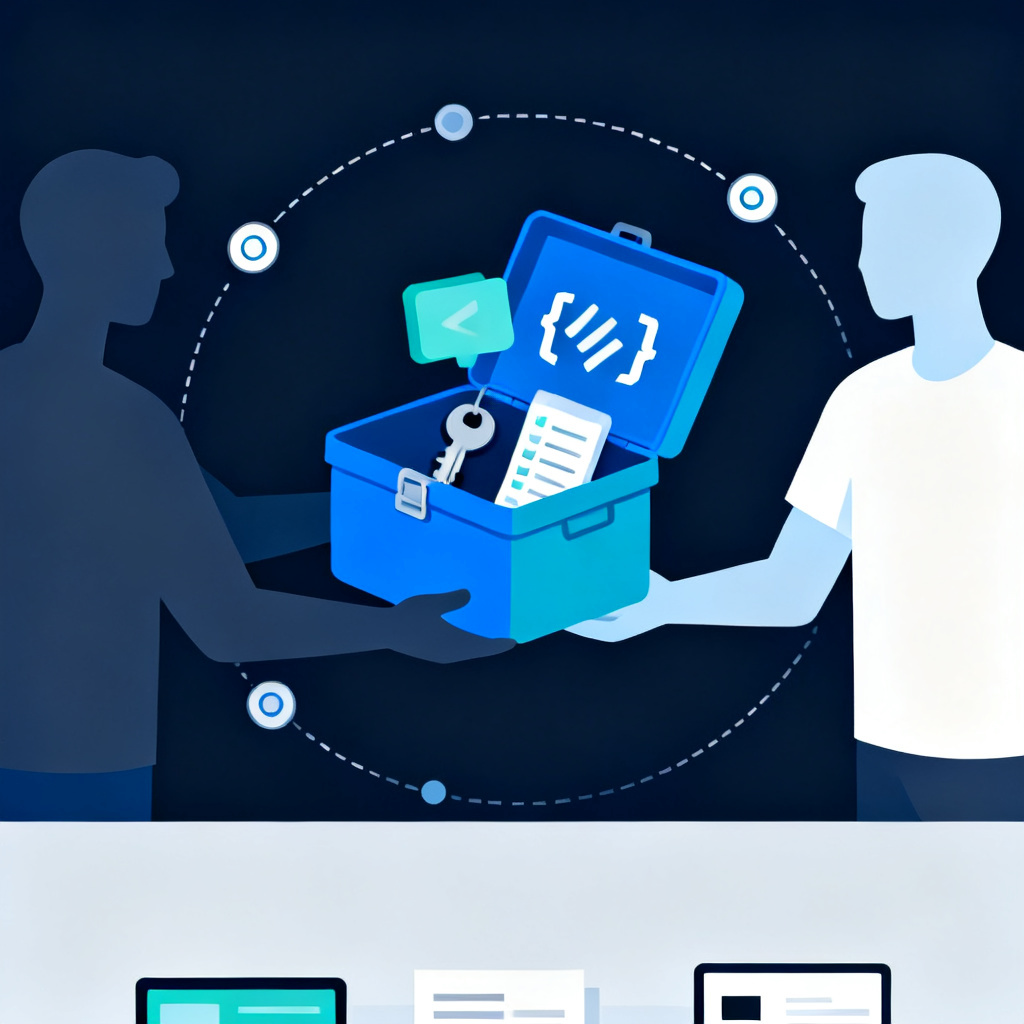
The true key to getting your entire company to use AI tools lies in: how interactive processes are designed? You need more than an AI engineer; you require a UX designer who understands AI behavior design, helping transform technology into daily tools for the enterprise.
Not AI features more equals easier to use
Many companies spend big on developing AI features, yet only 10% of their employees use them. Where's the issue?
- Prompt input method is not intuitive; people don't know how to ask
- No guidance or examples deter users from trying it out
- Results lack context, making trust hard to establish
- The interface feels like a lab rather than a tool
In short, AI tools are not designed as products but merely as layers of technical features.
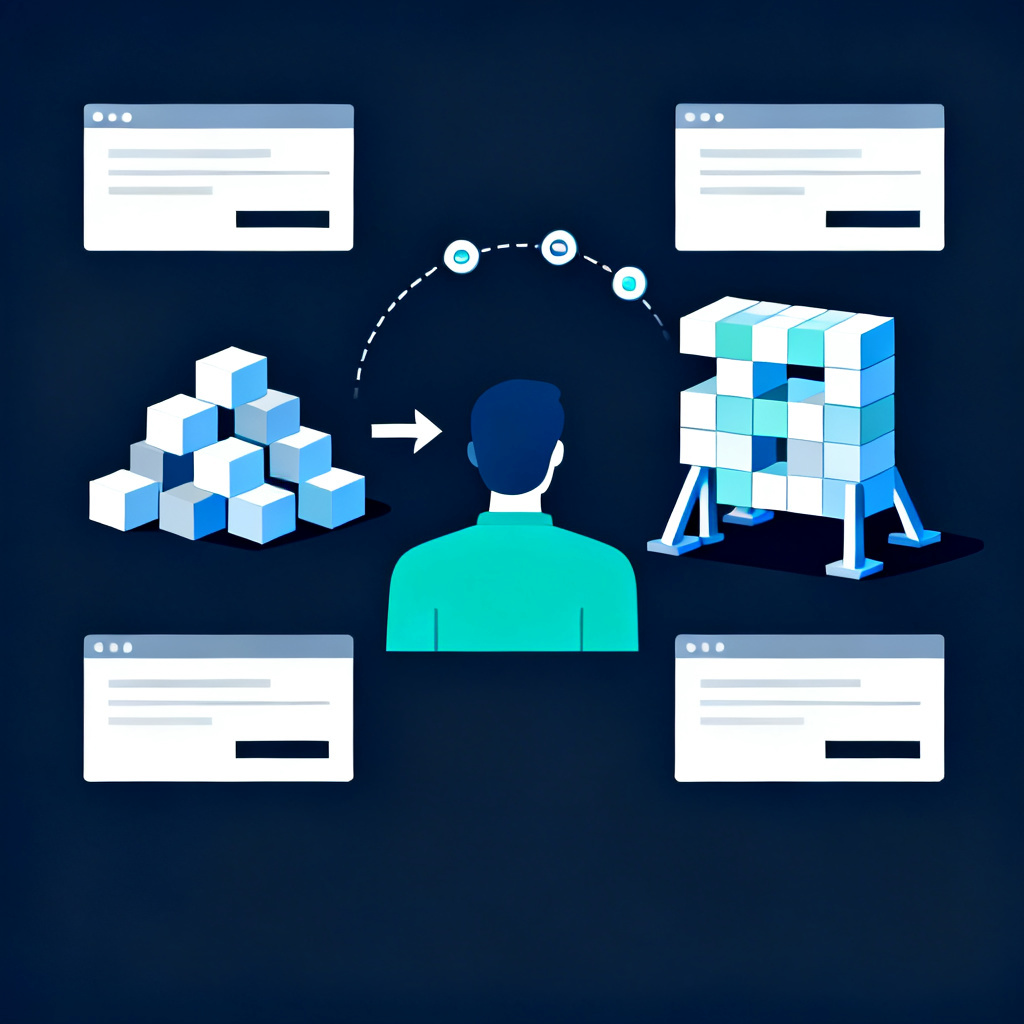
This is where the role of UX designers becomes critical. They are strategists who build the 'dialogue experience between humans and AI', rather than just artists creating nice visuals.
What's the real task of an AI UX Designer?
Case Study: Designing a Customer Service AI that Speaks Human
When users open the screen, what do they see first? How is the default text in the prompt bar written? How does the AI respond to incorrect queries?
The UX designer would design:
- Suggested phrasing for the conversation box (default prompt)
- Query record caching, reducing the cost of re-asking
- Hierarchical information design, making responses appear concise yet complete
- Support for 'select and ask again' and 're-generate' interactions
No changes are made to the AI model; instead, interactions are designed for better usability.
Case Study: Making Business Teams Quickly Utilize RAG Tools
You've deployed an LLM + RAG combination but your teams don't know how to query product data. The UX designer can help you design:
- A search field with both mode coexistence and template queries
- Keyword auto-completion and suggestions (Auto-suggest)
- Prominent highlighting of key information, making it quick to extract
- Show information sources for increased trustworthiness
This is true 'productization' of AI, not just a stack of raw technology.
NT Tech's Approach: From UX Consultant to Co-creating AI Interfaces
NT Tech is not just an AI development team, but excels in collaborating with enterprise internal UX, IT, or process improvement units. We provide:
- Observation of tool usage behavior and planning of processes
- Designing interactive interfaces based on roles (customer service, business, manager)
- Aiding in the design of integration methods for Prompt Flow and memory modules
- Joint creation with UI/UX teams for prototypes, testing, and fine-tuning
We know that 'usability' is the final mile to AI success, understanding what interactive processes can most effectively reduce learning curves and quickly generate value.